
A phone battery that dies too quickly can be frustrating. You start the day 100%, check a few messages, scroll social media, maybe use maps for a short trip — and suddenly you’re already looking for a charger.
If this sounds familiar, you’re not alone. Battery drain is one of the most common phone issues. The good news is that many battery problems can be improved with better settings, smarter charging habits, and knowing when it’s time for a replacement.
In this guide, we’ll cover:
- Why your phone battery drains fast
- Daily habits that reduce battery life
- Easy ways to make battery last longer
- Signs your battery may need replacing
- When to get professional help
If you’re in Ealing or nearby areas, TechLab+ can also help with battery diagnostics and replacement services.
Why Is My Phone Battery Draining So Fast?
Modern phones are powerful, but they also do much more in the background than older devices. Even when you’re not actively using your phone, apps may still be:
- Refreshing content
- Tracking location
- Sending notifications
- Uploading photos
- Syncing emails
- Searching for Wi-Fi or Bluetooth devices
Over time, these processes can drain the battery quickly.
1. Reduce Screen Brightness
Your screen is one of the biggest battery users.
A bright, high-refresh-rate display looks great, but it also uses more power.
What to do:
- Use Auto Brightness
- Lower brightness indoors
- Reduce screen timeout to 30 seconds or 1 minute
- Use dark mode on OLED screens
Even a small brightness reduction can noticeably improve battery life.
2. Turn Off Unused Bluetooth, Wi-Fi & NFC
Many people leave Bluetooth, Wi-Fi, and NFC on all day.
Your phone may keep searching for nearby devices or networks, which use batteries.
Best habit:
Turn these off when you don’t need them, especially:
- Bluetooth
- NFC
- Personal hotspot
- AirDrop / Nearby Share
3. Limit Background Apps
Some apps continue running even after you close them.
Common battery-hungry apps include:
- TikTok
- Maps
- Dating apps
- Delivery apps
- Fitness tracking apps
What to do:
Check battery usage settings and restrict apps you don’t need in the background.
4. Manage Notifications
Every vibration, sound, and screen wake-up uses a battery. If dozens of apps send alerts daily, it adds up quickly.
Better approach:
Only allow notifications for:
- Calls
- Messages
- Banking
- Important work apps
Turn off the rest.
5. Use Battery Saver Mode Earlier
Most people only use Low Power Mode when the battery reaches 20%.
In reality, using it earlier can help a lot.
Use Battery Saver when:
- Traveling
- Working long hours
- Low signal areas
- Heavy usage days
This reduces background activity and extends battery life.
6. Poor Signal = Fast Battery Drain
When the signal is weak, your phone works harder to stay connected.
This is common in:
- Underground stations
- Thick buildings
- Rural areas
- Basements
Tip:
If you don’t need calls/data temporarily, use Airplane Mode. This can save a surprising amount of battery.
7. Update Your Software
Some battery issues are caused by bugs.
Manufacturers often release updates that improve battery efficiency.
Keep updated:
- iPhone iOS updates
- Android security updates
- App updates
But if battery drain starts immediately after an update, monitor for a few days.
8. Avoid Cheap Chargers
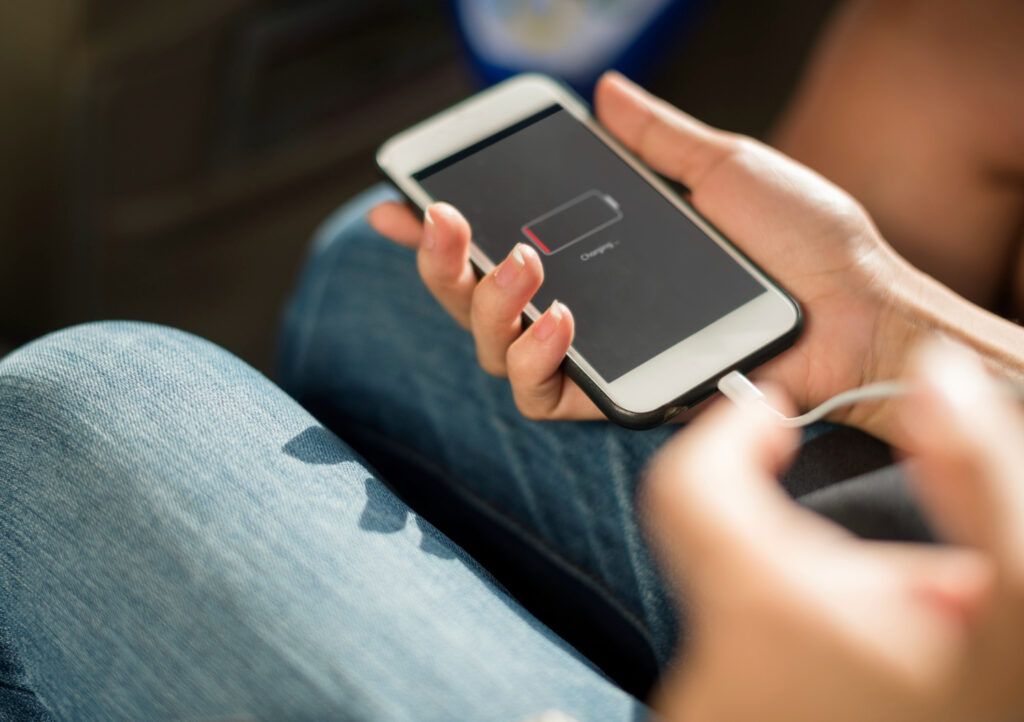
Low-quality chargers may charge slowly, overheat the phone, or damage battery health over time.
Best option:
Use:
- Original charger
- Certified replacement charger
- Good quality cable
A cheap charger can cost more in the long run.
9. Don’t Let Battery Hit 0% Daily
Modern lithium batteries last longer when kept between moderate charge levels.
Better charging habit:
Try to keep battery between:
20% to 80%
Instead of constantly draining to 0% and charging to 100%.
10. Heat Is a Battery Killer
Heat reduces battery lifespan faster than most people realise.
Avoid:
- Leaving phone in car
- Charging under pillow
- Gaming while charging
- Direct sunlight
If your phone gets hot often, battery health may decline faster.
Signs Your Battery May Need Replacing
Sometimes settings are not the issue — the battery itself is worn out.
Common signs:
Battery drops suddenly
Example: 40% to 10% in minutes.
Random shutdowns
The phone turns off with the battery still showing charge.
Swollen battery
Screen lifting or back panel bulging.
Slow charging
It takes far longer than before.
Battery health warning
Especially on iPhones.
How Long Should a Phone Battery Last?
Most phone batteries last around:
- 2 to 3 years average use
- 500+ charge cycles
Heavy users may need replacement sooner.
Is Battery Replacement Worth It?
Usually yes.
If your phone still works well but the battery is poor, replacing the battery can make it feel much newer.
This is often far cheaper than buying a new device.
Battery Check & Replacement at TechLab+
If you’re not sure whether the issue is battery, charging port, software, or something else, proper diagnosis matters.
At TechLab+, we help customers with:
- Battery health testing
- Fast-draining battery diagnosis
- Phone battery replacement
- Charging issues
- Power-related faults
We support many brands including:
Serving Ealing and nearby areas including Brentford, Hanwell, Boston Manor, and surrounding locations.
Final Thoughts
A battery that drains too fast doesn’t always mean you need a new phone. In many cases, simple setting changes can give you extra battery life every single day.
But if your phone shuts down unexpectedly, overheats, or won’t hold charge, it may be time for a battery replacement.
If you’re in Ealing and want a reliable battery check or repair, TechLab+ can help get your phone performing properly again.