Our Blogs

PS5 HDMI Port Damage_ London Repair Guide

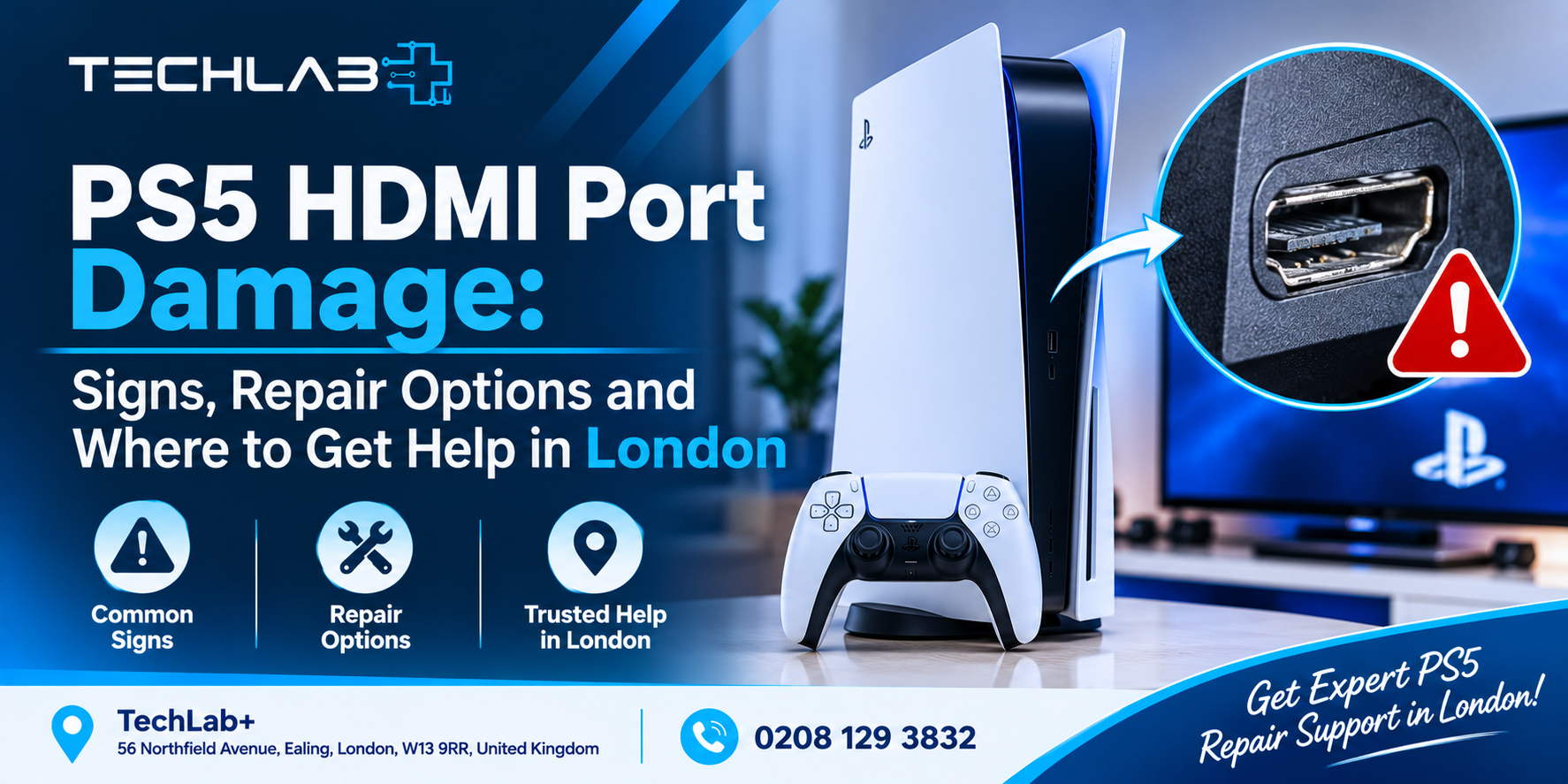
PS5 HDMI Port Damage: Signs, Repair Options and Where to Get Help in London

Is your PS5 HDMI port bent, broken or damaged? Learn the warning signs, common causes, repair options and where to get PS5 repair in London.
iPhone Camera Control Repair in London

iPhone 16 Pro Max Camera Control Not Responding? Causes, Fixes and Repair in London

If your iPhone 16 Pro Max Camera Control has stopped responding, the team can discuss the symptoms and advise on the next steps. The appropriate solution will depend on the fault identified, the condition of the device and the availability of suitable parts. TechLab+ serves customers in Ealing and nearby areas, including Brentford, Hanwell, Boston Manor and Pitshanger.

Gigabyte Laptop Won’t Turn On? Common Causes and How to Fix It

Pressing the power button on your Gigabyte laptop and getting no response can be frustrating, especially when you need it for work, gaming or everyday tasks. Sometimes, the cause is something simple, such as a drained battery or a loose charger. In other cases, the problem may involve the display, charging circuit, battery or internal hardware.

How to Restore Your MacBook to Factory Settings: A Step-by-Step Guide

Restoring your MacBook to factory settings can be a useful way to prepare it for a new owner or resolve certain persistent software issues. The right method depends on your MacBook model, processor and macOS version.

When Should You Repair Your Gaming PC Instead of Replacing It?

In many situations, repairing or upgrading one component can bring a gaming PC back to reliable performance for considerably less than buying a completely new system. But there are also situations where replacement makes more sense. This guide explains how to decide whether your gaming PC needs a repair, upgrade or complete replacement. Here are 15 practical laptop care tips every user should know.

15 Simple Laptop Care Tips Every User Should Follow

You don't need to be a computer expert to look after your laptop. A few simple habits can help reduce overheating, battery wear, accidental damage, storage problems and other common issues. Here are 15 practical laptop care tips every user should know.

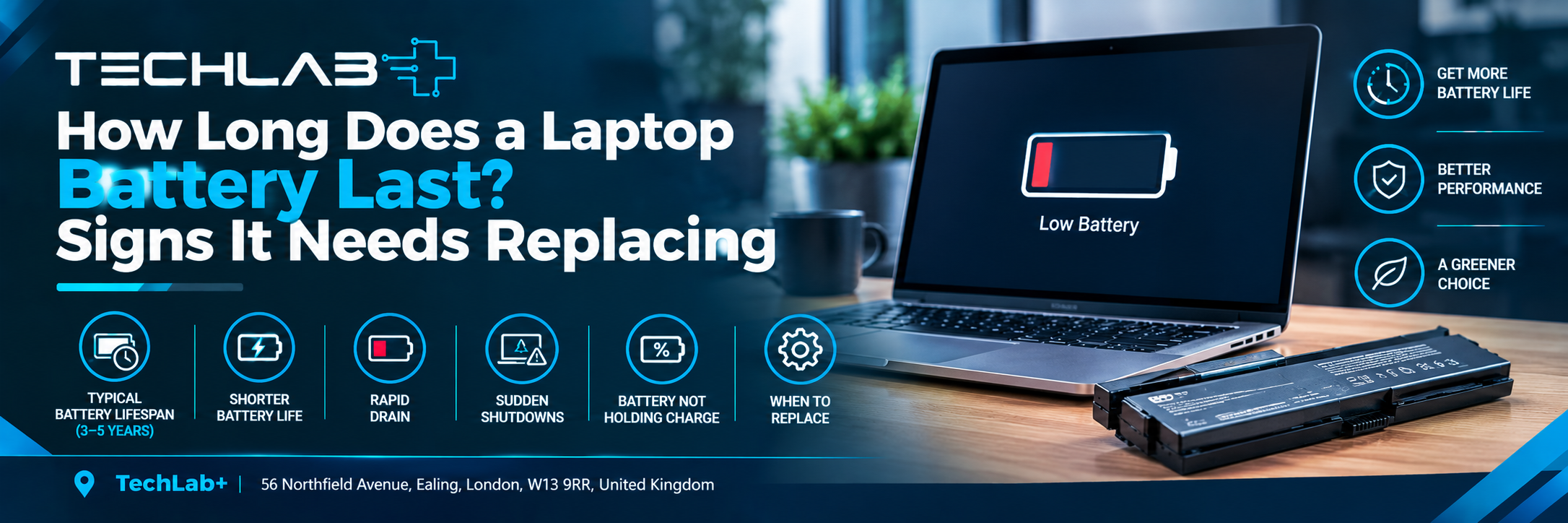
How Long Does a Laptop Battery Last? Signs It Needs Replacing

A laptop battery doesn't last forever. Whether you use a laptop for work, studying, browsing, gaming or creative tasks, its battery gradually loses capacity as it gets older. A laptop that once lasted most of the working day might eventually need charging after only a few hours. This doesn't necessarily mean the laptop itself needs replacing. In many cases, the battery is simply reaching the end of its useful life and can be replaced.
Laptop Privacy Screens

Laptop Privacy Screens: A Complete Guide

A laptop privacy screen is a simple way to improve physical screen privacy when you're working around other people. It can make it harder for someone sitting beside you to read your emails, documents, messages or other information without your knowledge.

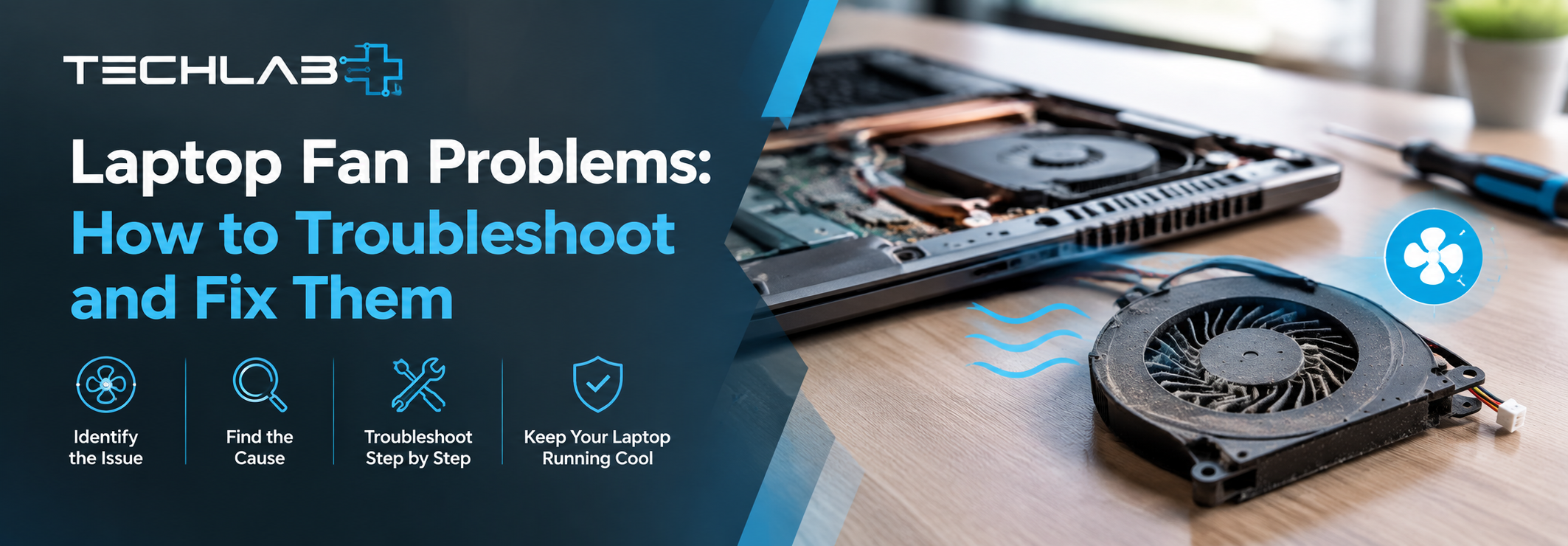
Laptop Fan Problems: How to Troubleshoot and Fix Them

If your laptop fan is constantly loud, not spinning, making unusual noises, or your laptop is overheating, there could be an issue that needs attention. Sometimes the problem is simple, such as dust blocking the vents. In other cases, the fan itself may need cleaning or replacement.
Thermal Paste Explained

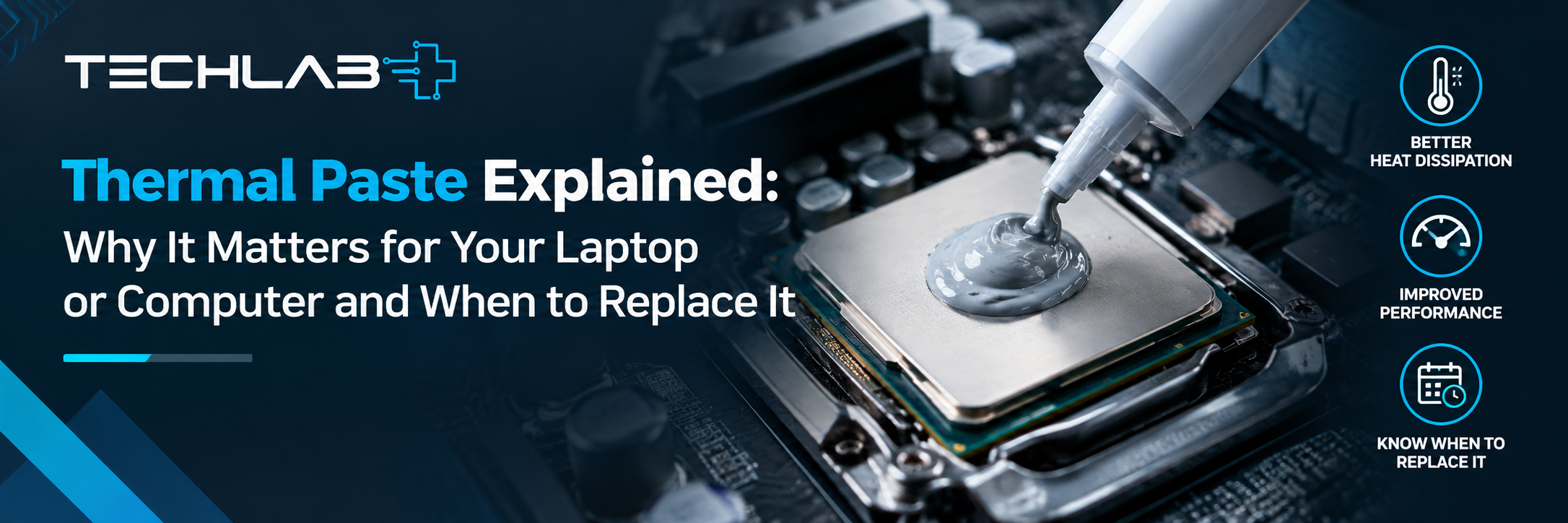
Thermal Paste Explained: Why It Matters for Your Laptop or Computer and When to Replace It

Thermal paste may be a small part of your laptop or desktop computer, but it plays an important role in transferring heat away from the processor.

Dry Thermal Paste on Laptops & Computers: How It Can Cause Overheating

At TechLab+, the first step should be identifying why the computer is overheating rather than automatically replacing the thermal paste.

MacBook Screen Flickering? Common Causes and How to Fix It

A flickering MacBook screen can be frustrating, especially when you're trying to work, attend a video call, watch a film or simply browse the internet.